
A notebook that looks like yours.
Choose the paper and the number of pages, then the cover. Set the fonts for each notebook. On your shelf, every notebook is one you’d pick up.

Lined, dotted, grid or plain.
Pick 32, 96, 144 or 192 pages. The count is fixed from the start, like a real notebook, so a full one means a finished chapter. Pages turn under your finger, and a torn-out page is set aside, not lost.
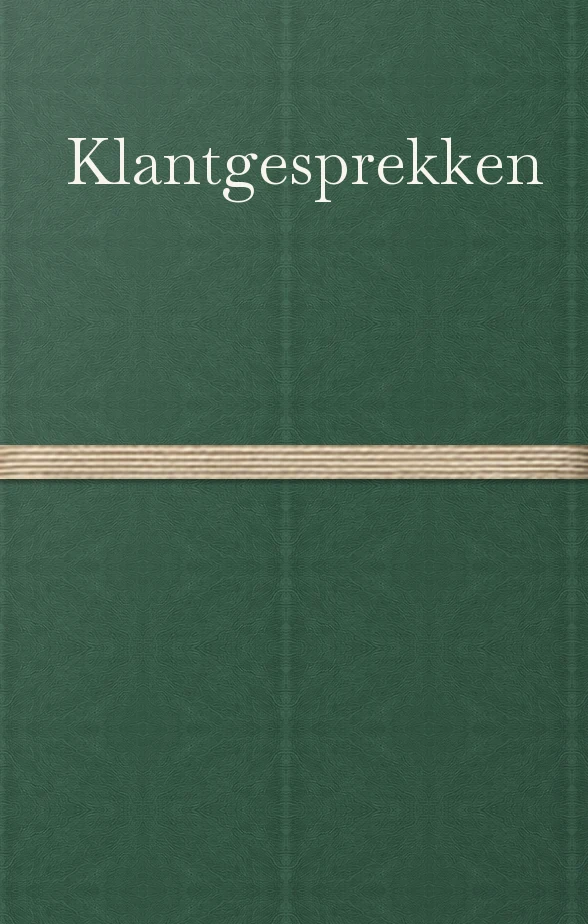
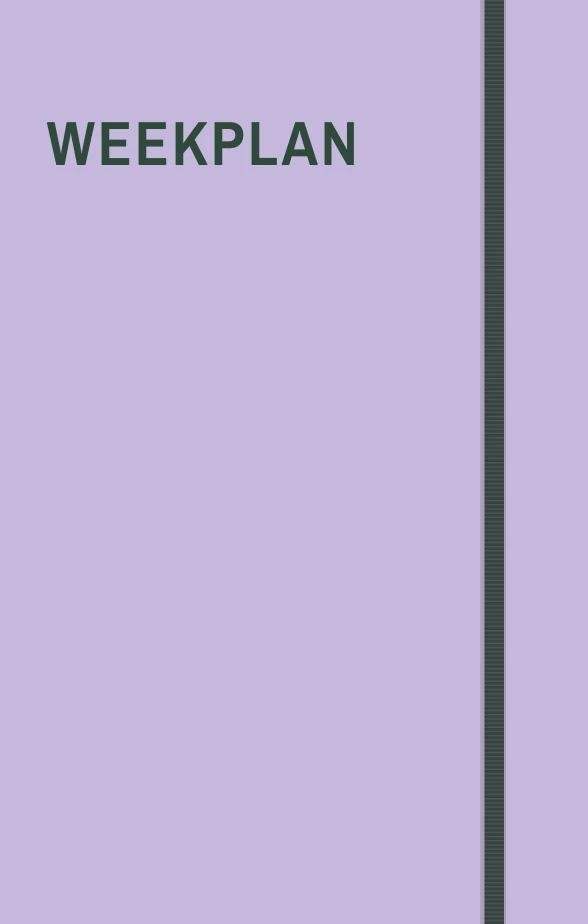
Leather, in seven tones.
Pick the tone, then the finish and the closure. The cover keeps its colour on the shelf, even when the notebook is locked.
- Forest
- Olive
- Natural tan
- Cognac
- Burnt orange
- Slate
- Mauve
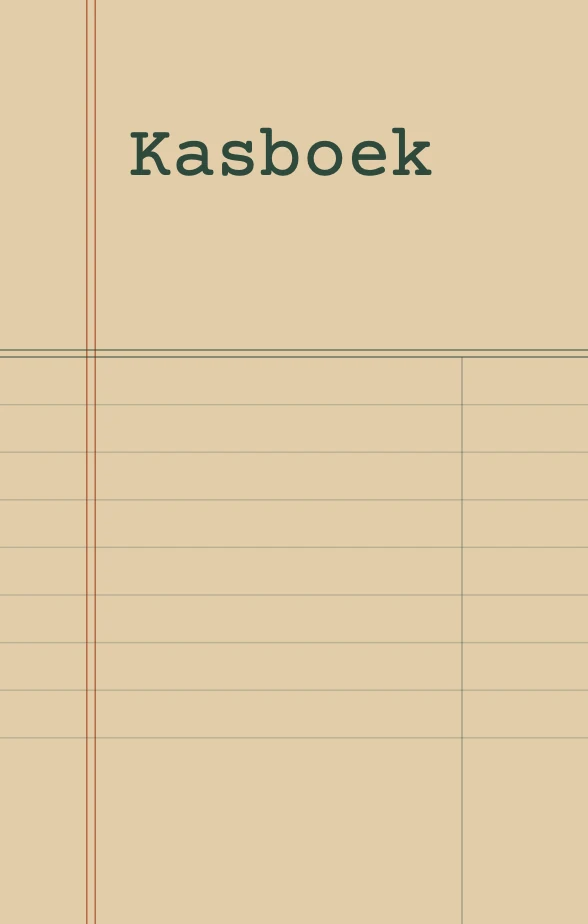
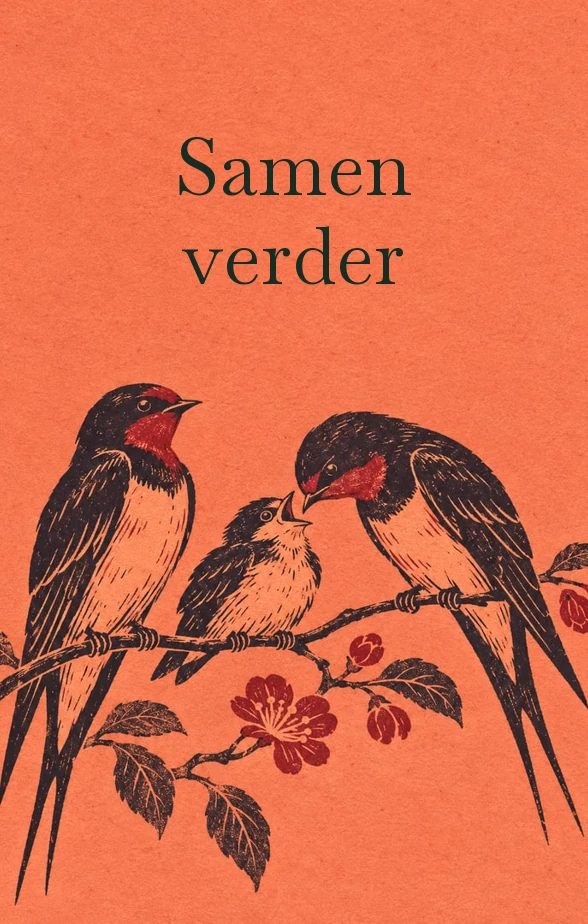
A cover for each part of your life.
Illustrated editions such as Heron, Fern and Railway, plus drawn covers like Ledger, Margin and Orbit to browse and search. Your title wraps on the cover; it never gets cut off. The Clean cover stays free.
Your letters, per notebook.
Give each notebook its own page fonts. Search the whole Google Fonts catalogue, preview a font before you download it, and keep it working offline. With Fount Plus, save your own type sets: a mix of font, weight and sizes you can use in any notebook.
Seven alternate app icons.


Match your Home Screen, from quiet green to a dark icon.
Neat or creative.
Choose the Neat or the Creative bookshelf layout. Press and hold a notebook to change its cover, name or fonts.
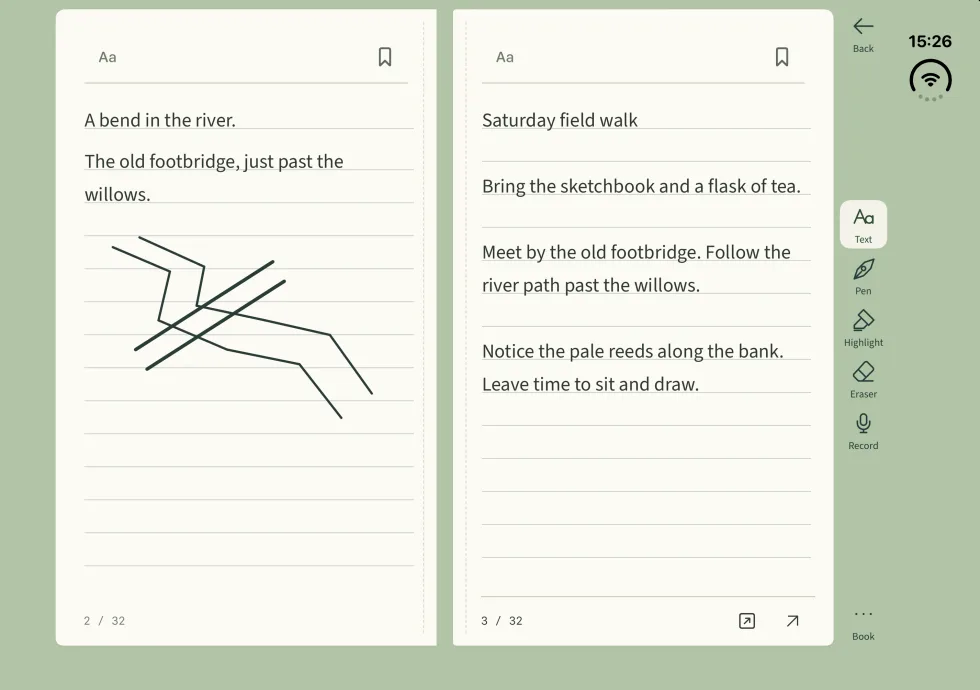
Two facing pages.
On an unfolded iPhone Duo, keep the brief on one page while you sketch on the other. In preview.
More covers, icons and type sets come with Fount Plus.
One purchase. No subscription.